Clock in at the right place — even when the signal drops.
SAMM for Work is a GPS time clock for small businesses. Geofencing confirms employees are on-site, punches still capture offline, and timesheets export to ADP, Gusto, or QuickBooks. No hardware to buy.
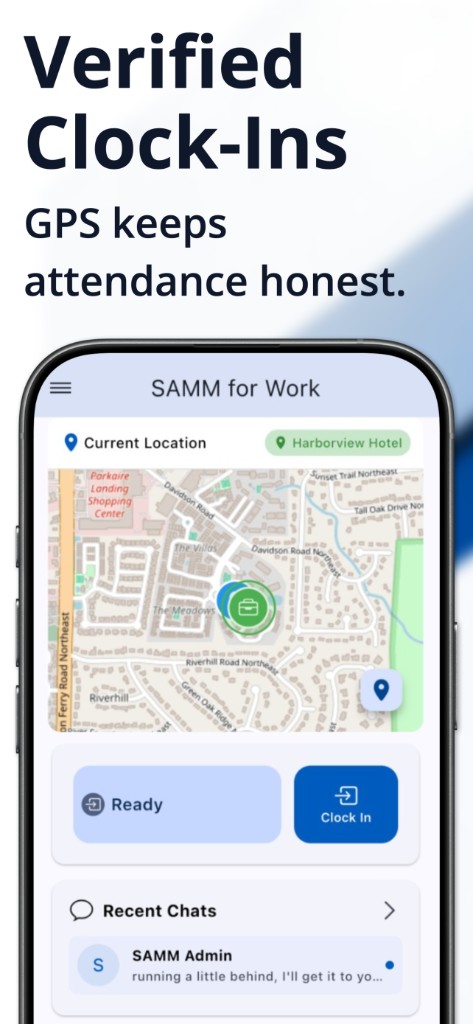
GPS geofencing, not a geotag after the fact
Employees punch from their phone. For location-based hourly staff, the clock-in control is available only inside the work zone you set per location. Admins see whether the punch was verified.
- Configurable radius per site
- Optional photo at clock-in or clock-out
- Kiosk mode on any shared tablet
Offline punches that still make payroll
Job sites with weak signal are a common reason hours go missing. SAMM records the punch locally and syncs when the device is back online, so timesheets stay complete.
- Local capture with auto-sync
- Breaks can deduct automatically via geofence for location-based employees
- Passwordless employee login — email or SMS code
Timesheets to ADP, Gusto, and QuickBooks
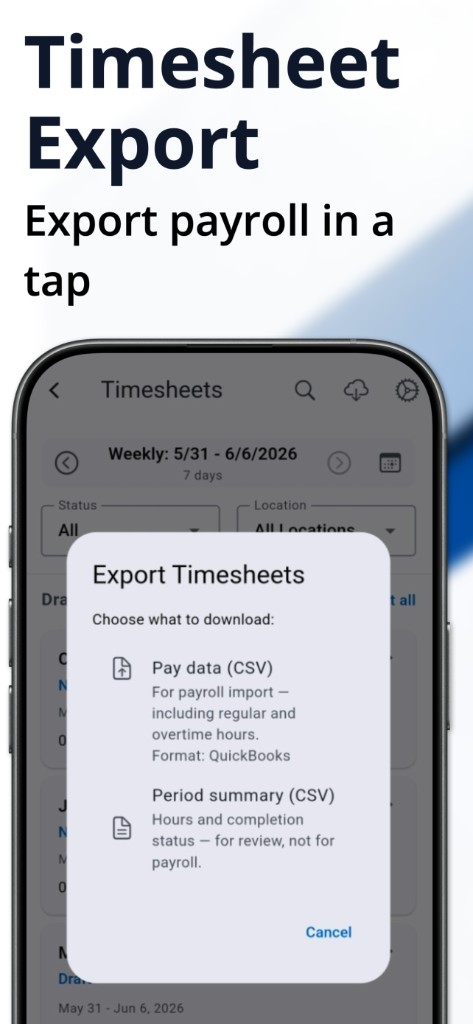
Hours come from punches, not a spreadsheet. Configure overtime rules, approve in bulk, and export for payroll without retyping time cards.
- Daily, weekly, double-time, weekend, holiday, and 7th-day overtime
- CSV export for QuickBooks, ADP, and Gusto
- $35/month includes the first 20 employees; $2 per additional employee
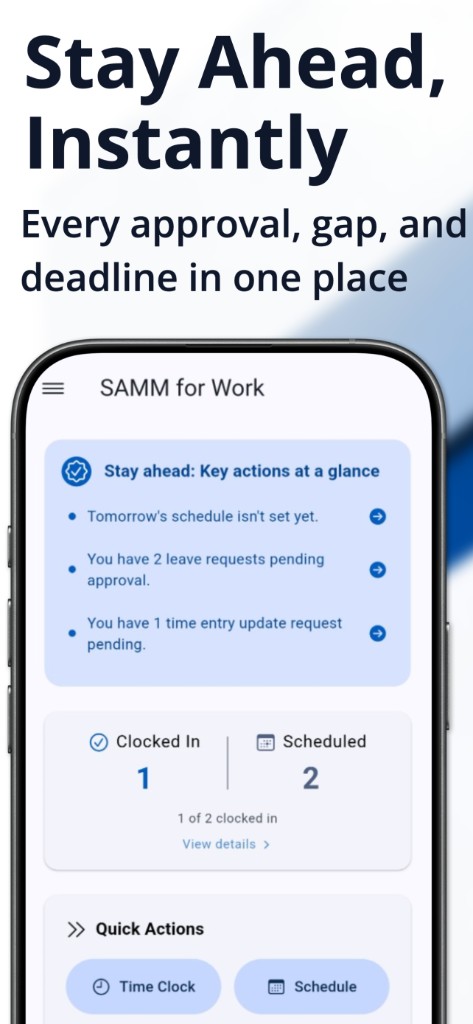
The time clock is one job. Scheduling, tasks, and team chat live in the same app so you are not paying for a punch clock plus a scheduler plus a messenger. Built for hourly teams of about 5–100 people — not project/billable-hour tracking.
Questions before you start
How does GPS clock-in stop buddy punching?
Location-based hourly employees must be inside the work geofence before the clock-in button is available. Optional photo verification adds another check on a regular phone — no biometric terminal required.
What happens if the job site has weak or no signal?
SAMM captures the punch on the device and syncs when connectivity returns. Employees do not lose hours because the clock required the internet at that moment.
Do employees need their own smartphones?
No. Kiosk mode turns any shared tablet into a clock station with an admin PIN. People who do not carry a phone punch on the tablet.
Do we need to buy a hardware time clock?
No. SAMM runs on iPhone, Android, or a tablet. There is no wall-mounted terminal to purchase or maintain.
Can we send hours to payroll?
Yes. Approved timesheets export as CSV for QuickBooks, ADP, and Gusto so you are not re-entering hours.
Related
See SAMM for Work in action in 5 minutes
Or reach us at [email protected]